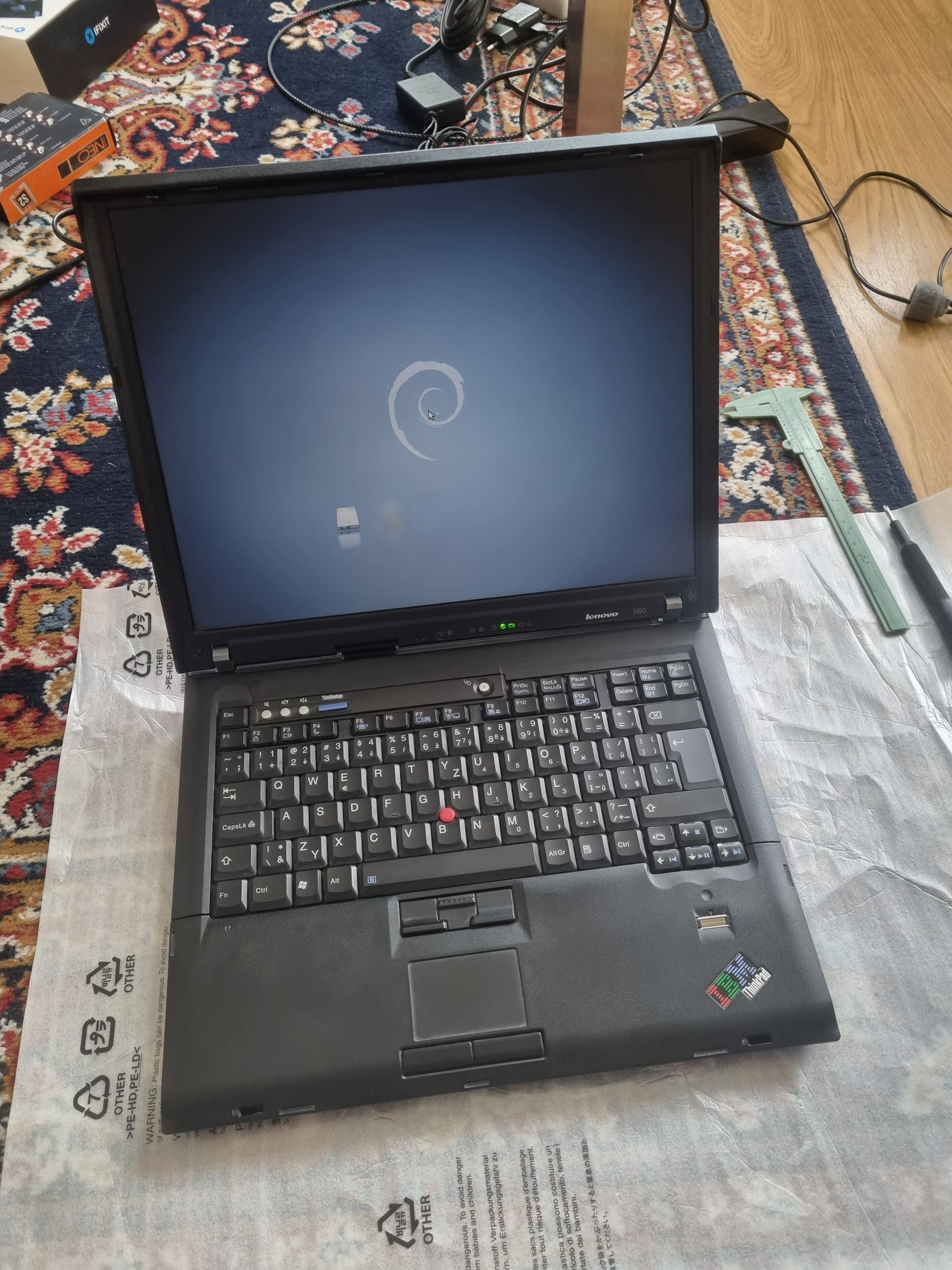
ThinkPad R60
Table of Contents
Disassembly: Replacing broken hinge (February 2024)
The left hinge was broken, could not close the lid.
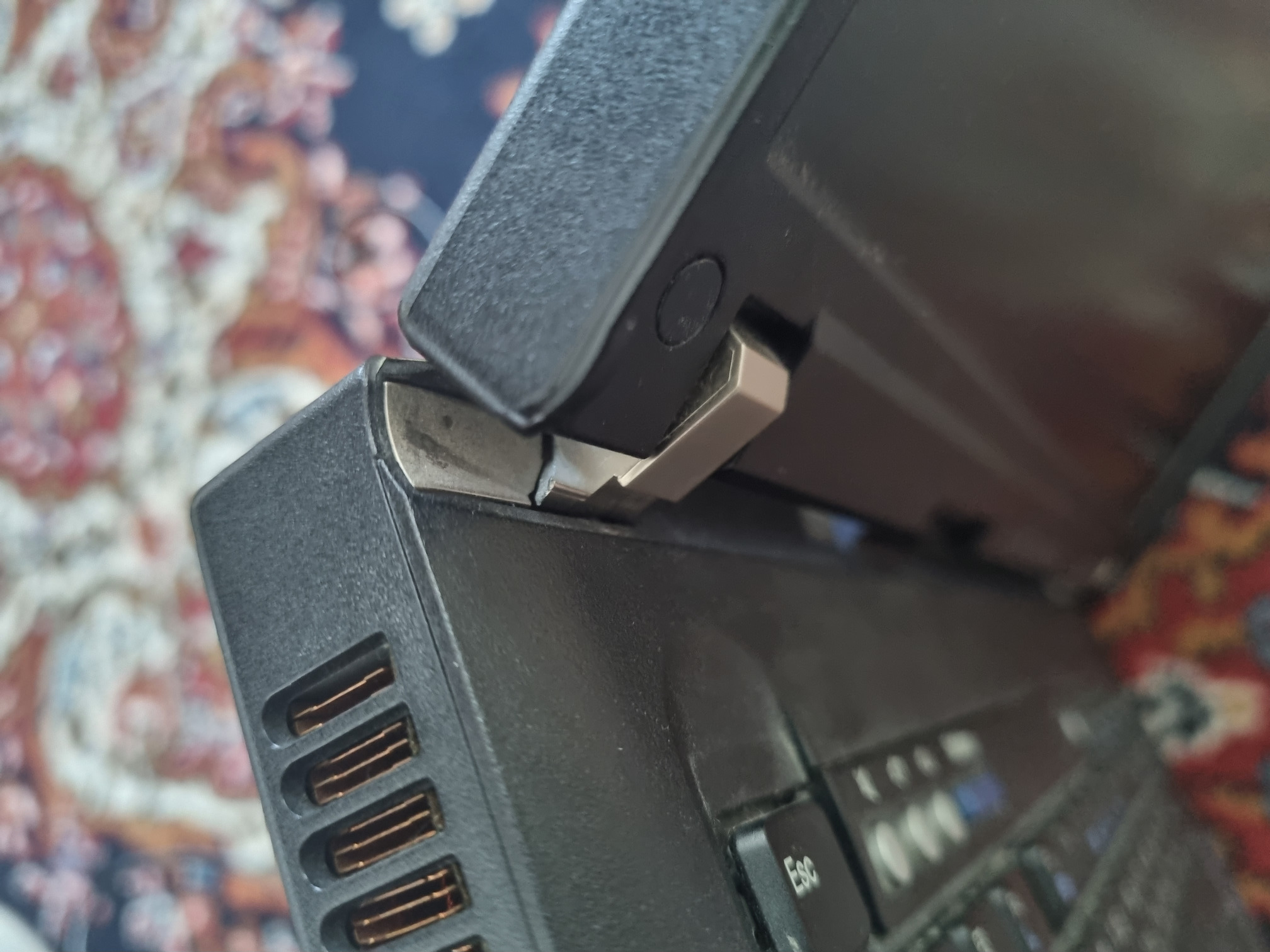
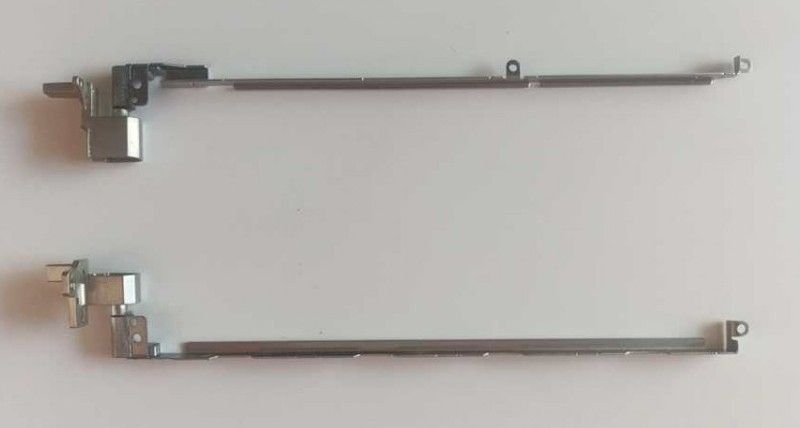
I’ve decided to fix this old laptop, as it’s otherwise in functional state. A Polish e-shop was offering an aftermarket replacement hinges.
First, remove the keyboard/touchpad assembly.
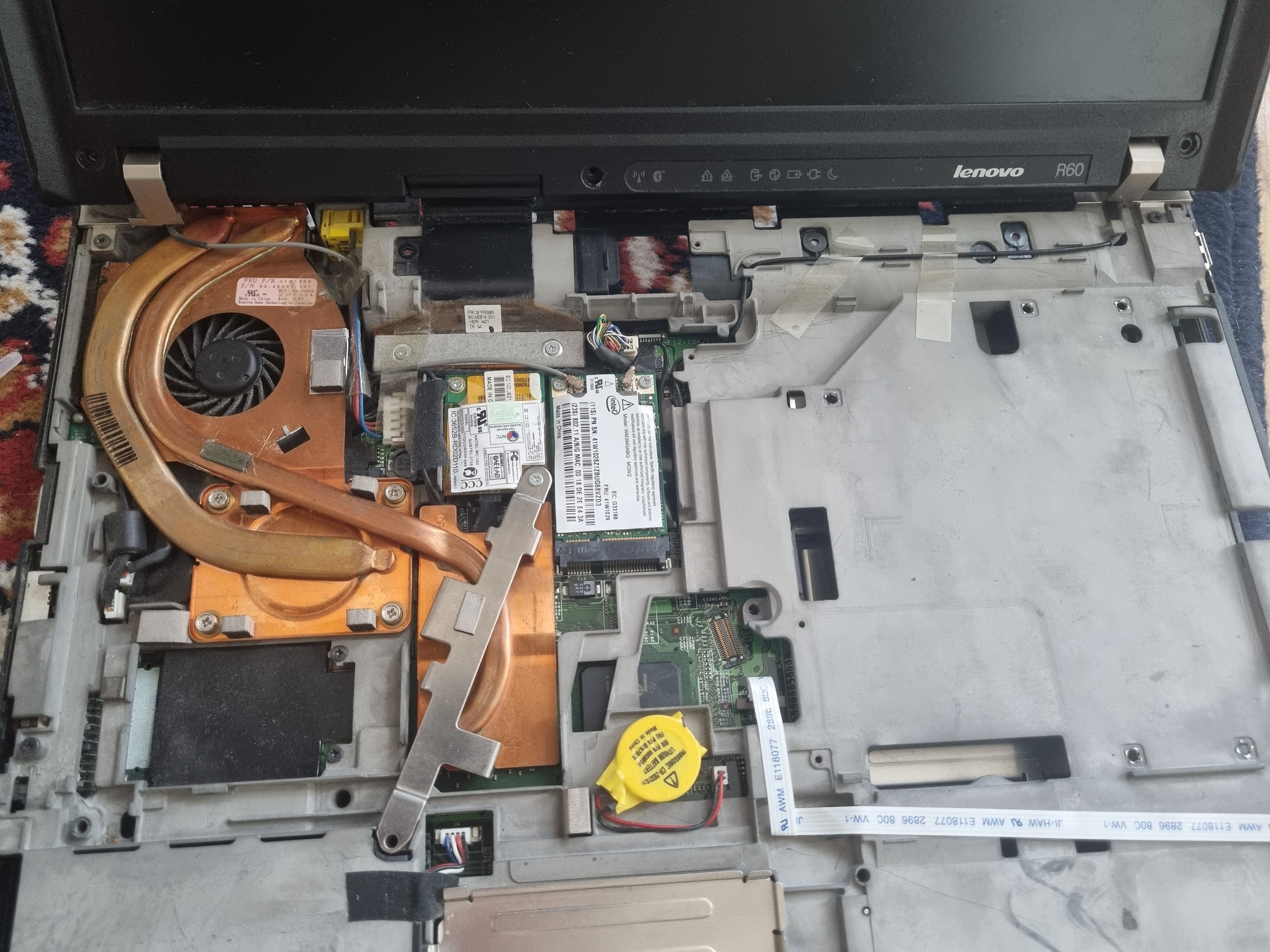
Unscrew Wi-Fi antennas and display cable.
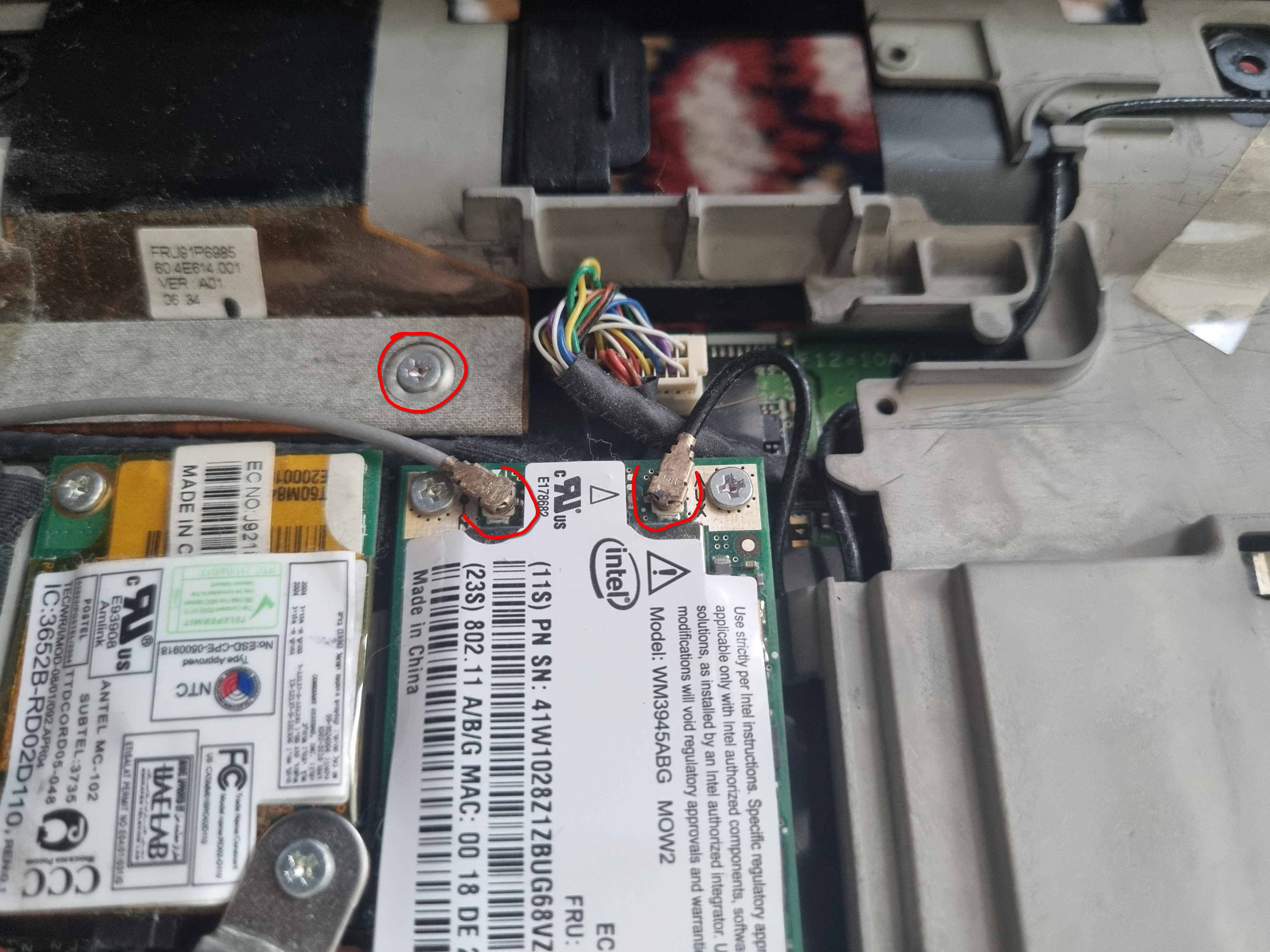
Unscrew hinges and remove the display frame.
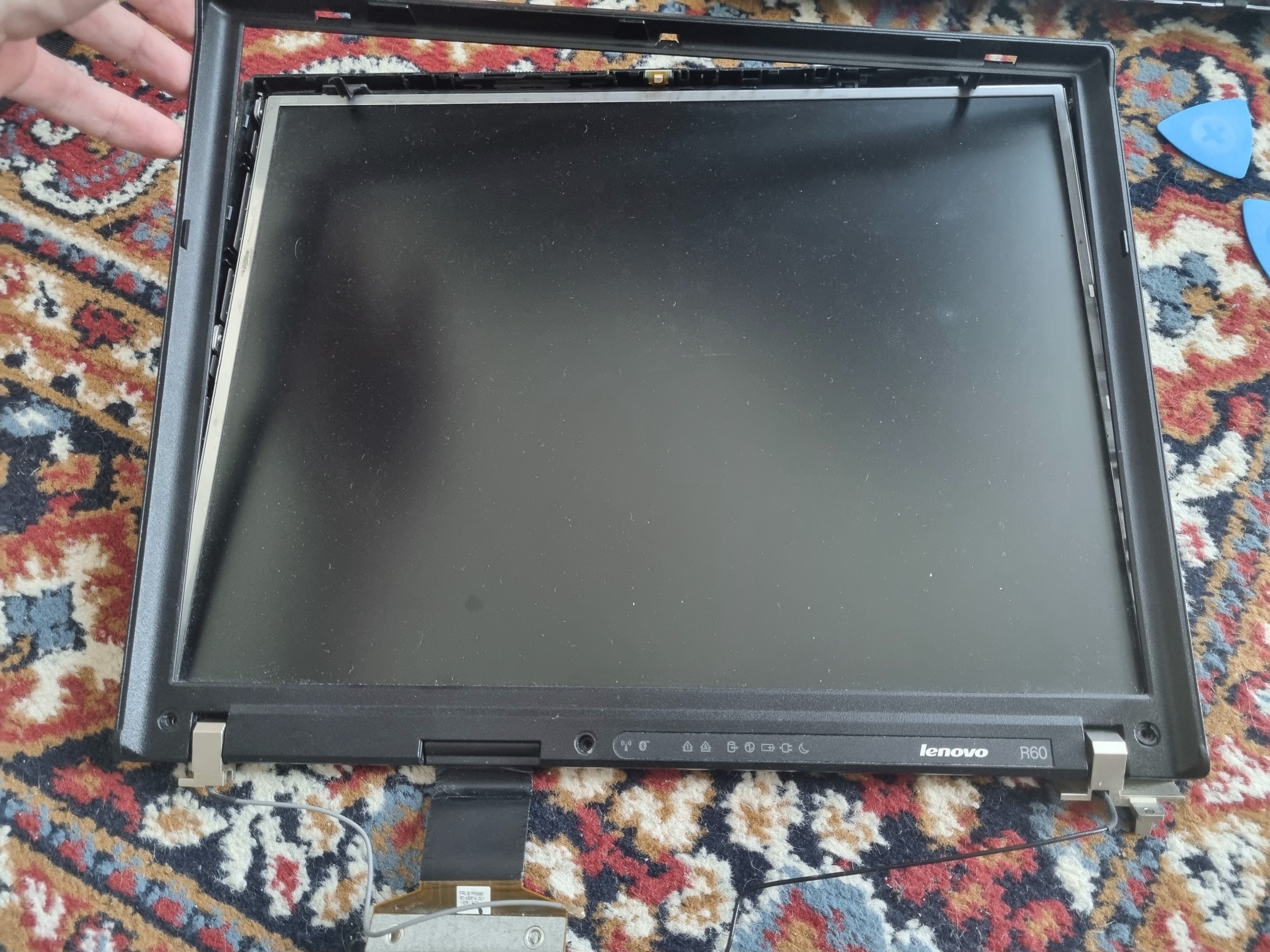
Under the frame, unscrew the other side of the hinges. Note that the Wi-Fi antenna cable leads through the hinge.
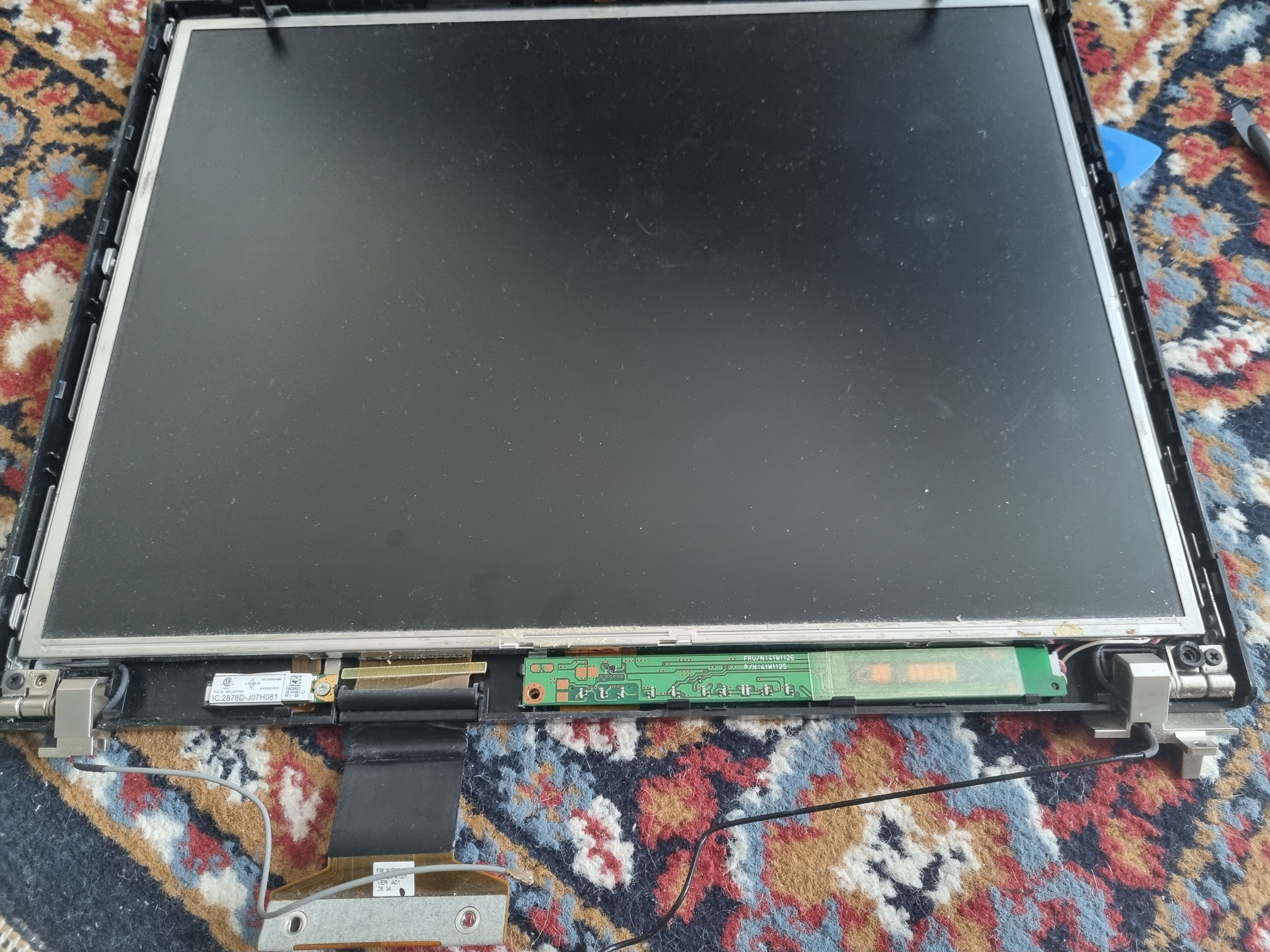
The hinge support continues up behind the display, so the back cover needs to be removed too.
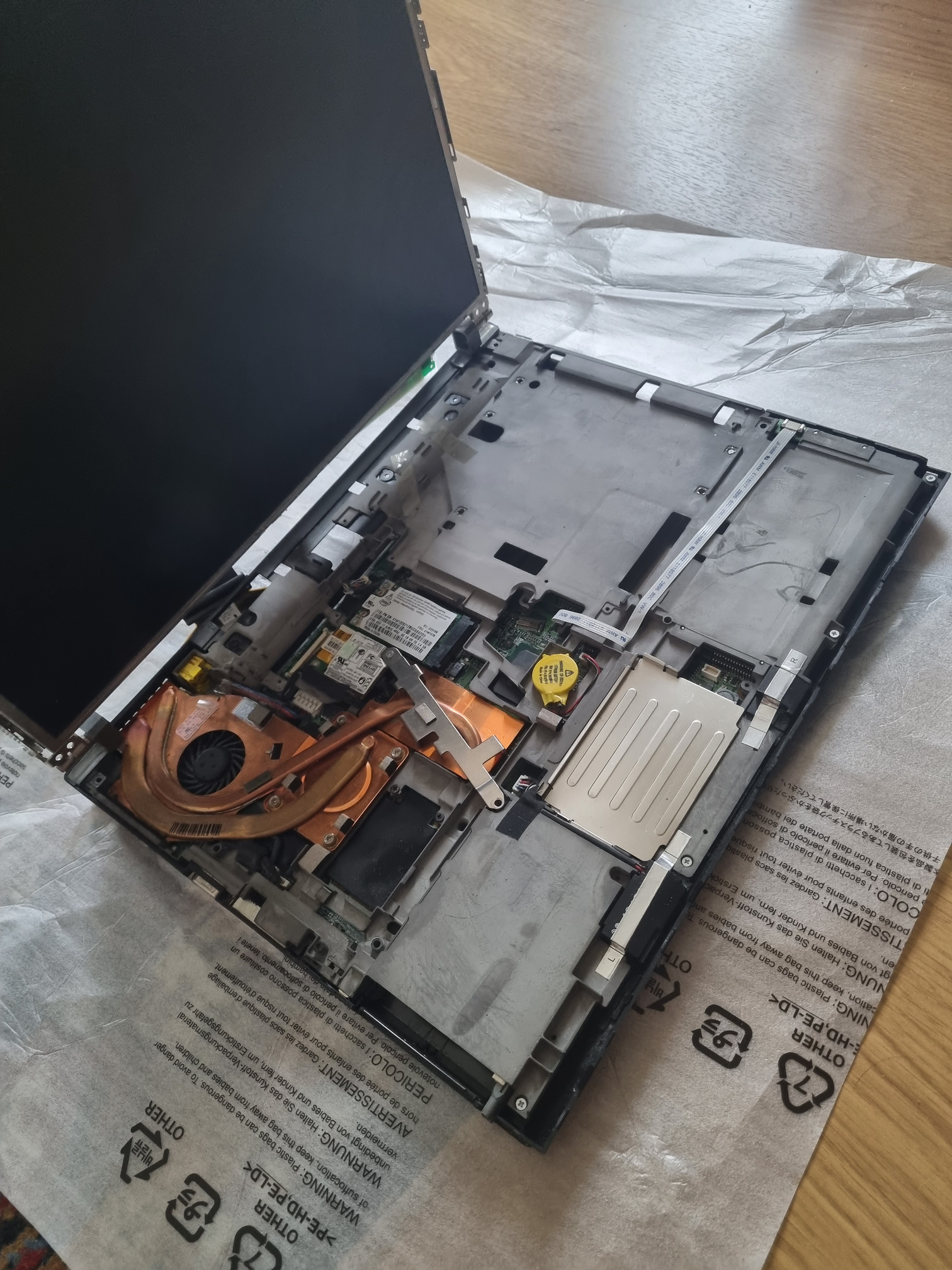
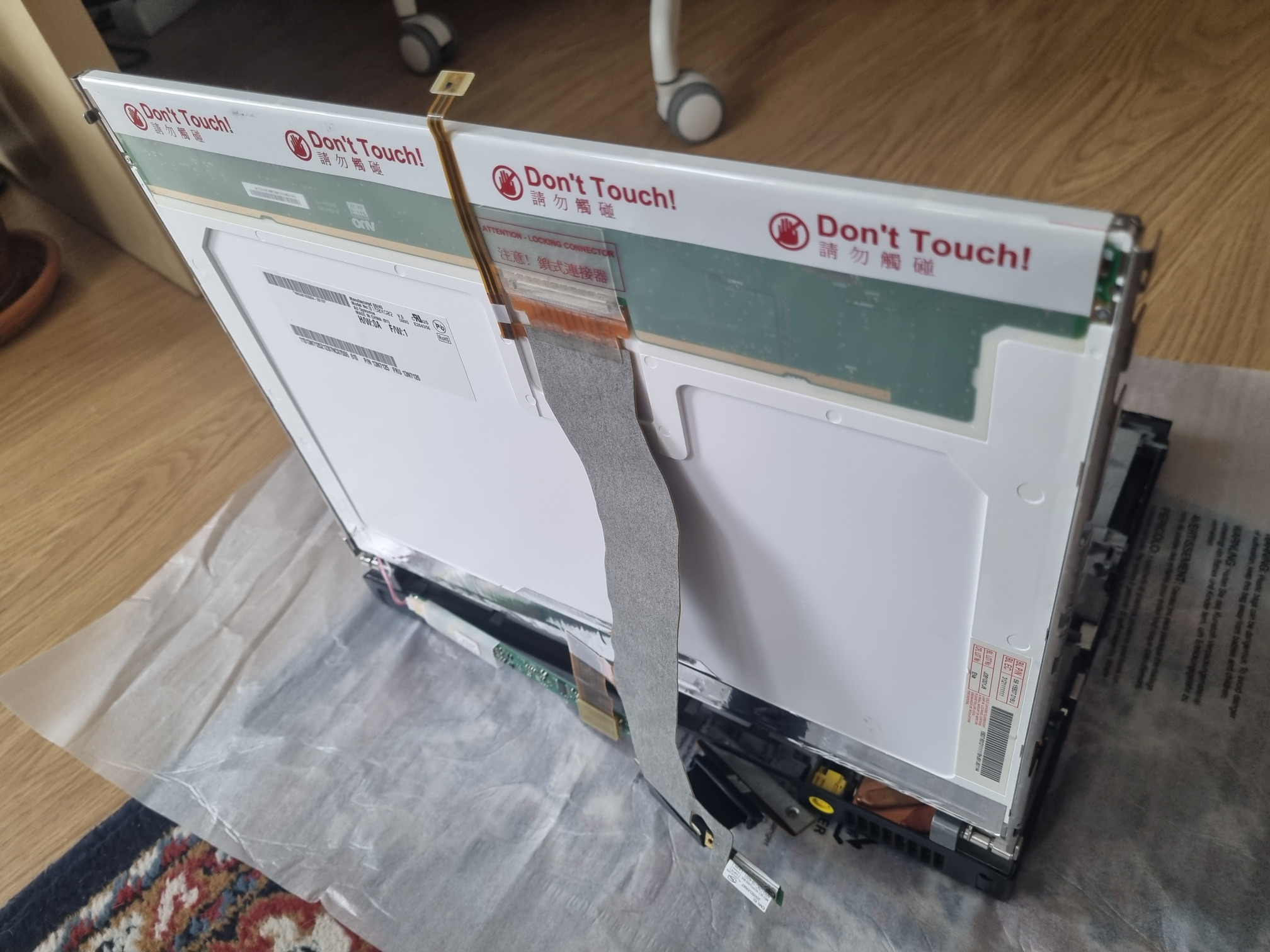
After replacing the hinges, reinstall display covers, antenna leads and display cable.
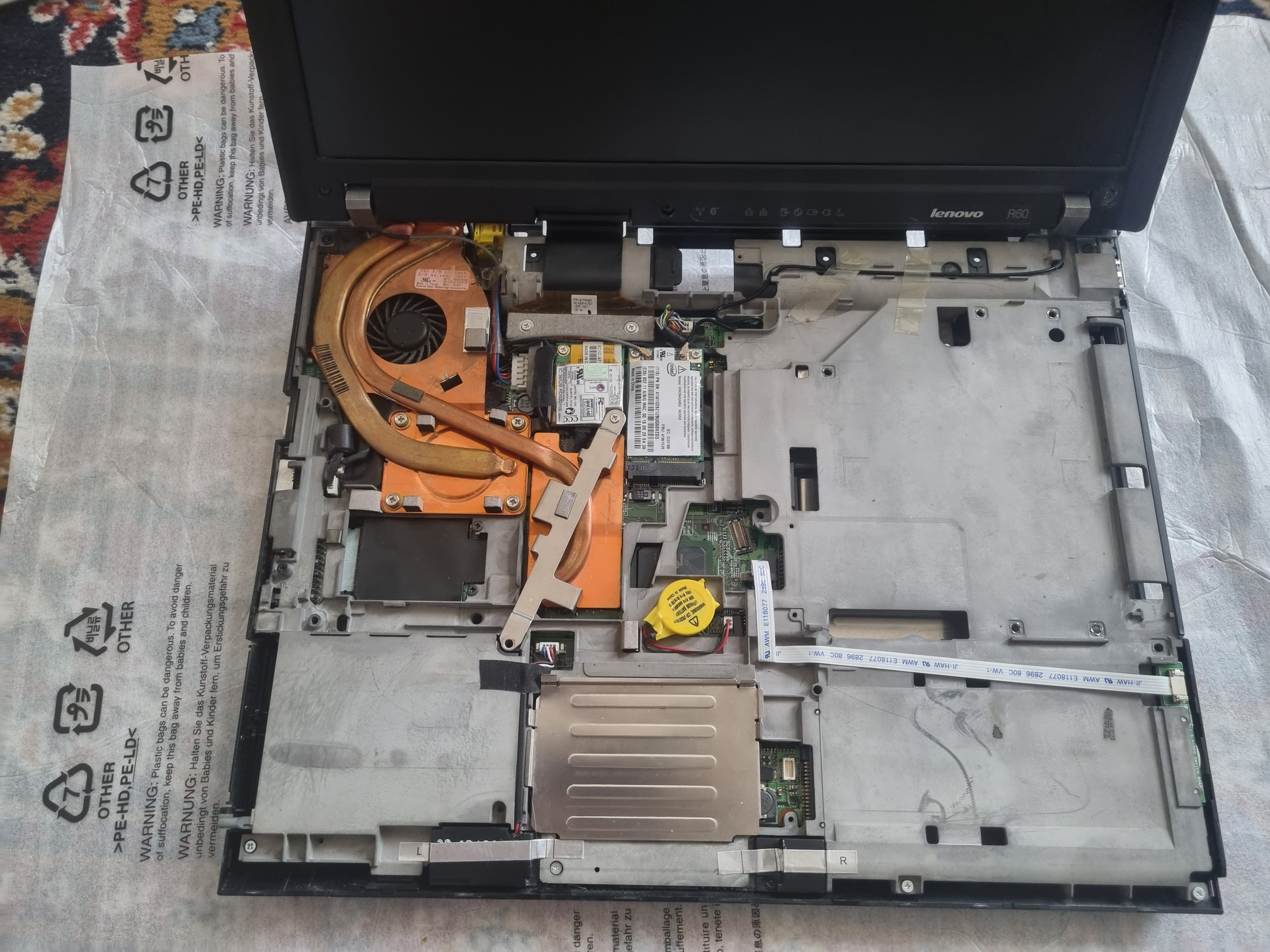
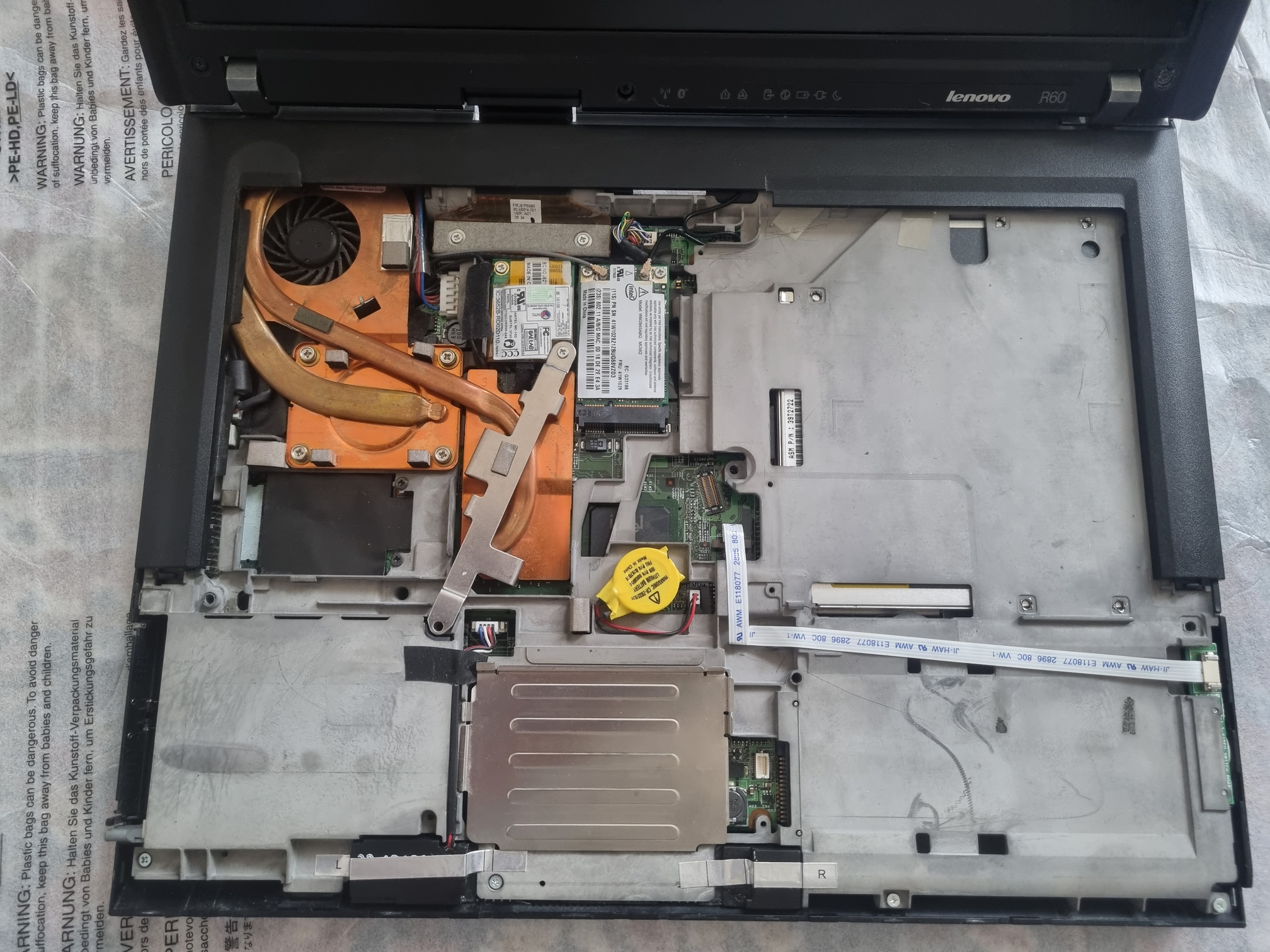
All good and running.